
Keep your Decky plugins
up to date.
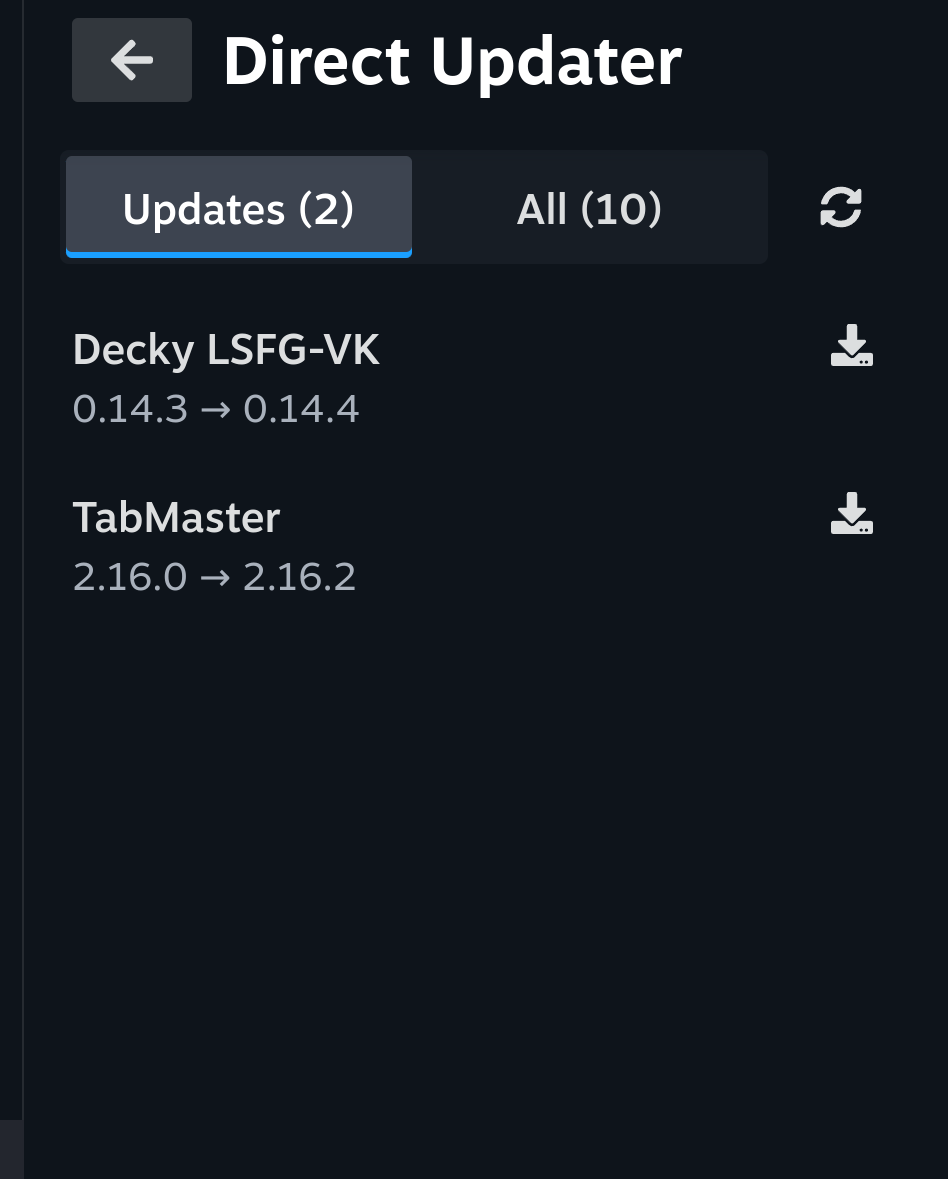
Find new releases on GitHub, update your installed plugins, and discover new ones without leaving Gaming Mode.
Stay up to date
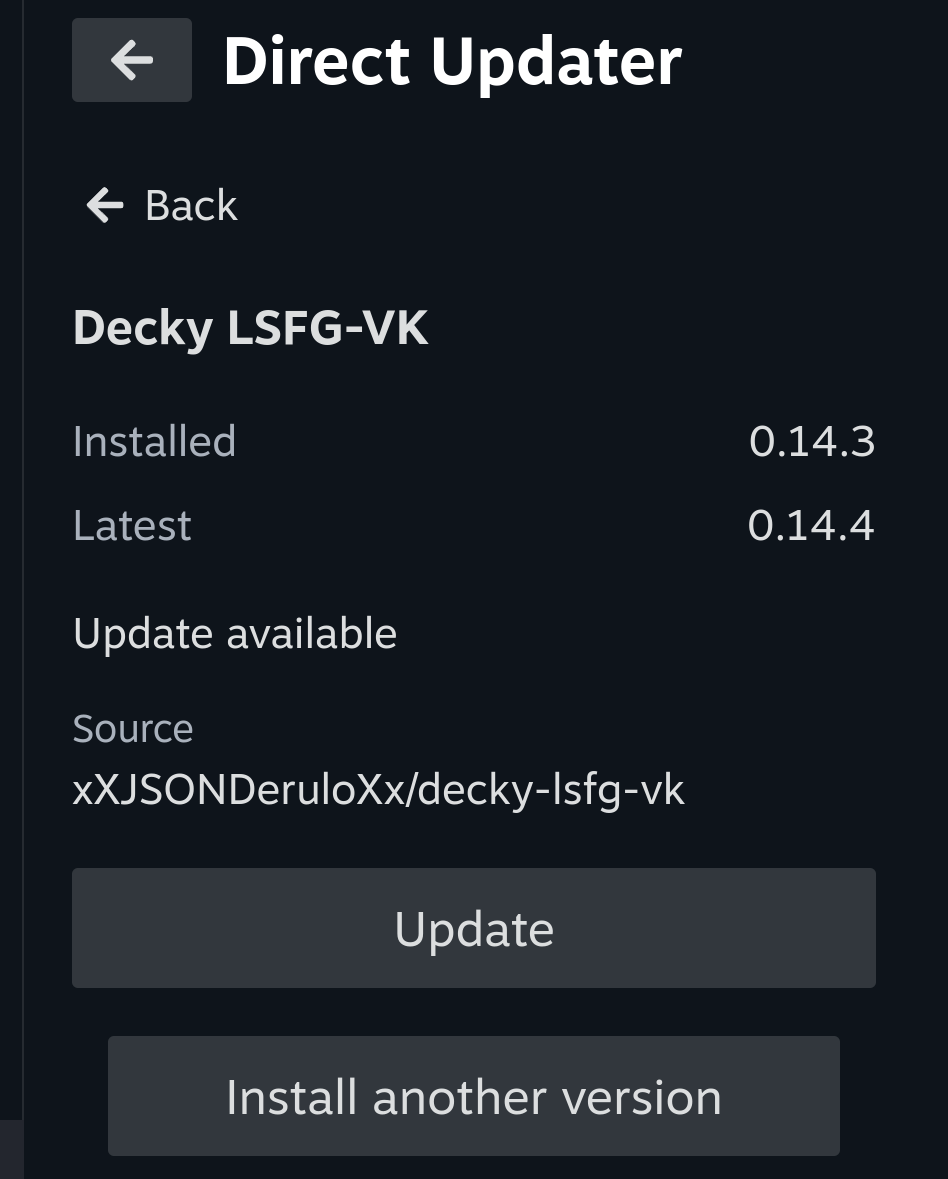
Install a plugin once. Its developer can keep publishing fixes and new versions on GitHub. Direct Updater identifies installed plugins, looks for their GitHub repositories, and checks for compatible stable releases. You choose which updates to install.
Install in three steps
Need Decky Loader?-
Enable Developer Mode
In Decky Settings → General, turn on Developer Mode.
-
Install Direct Updater
Open Decky Settings → Developer → Install Plugin from URL.
Paste the copied URL, select Install and confirm in Decky.
-
Open Direct Updater
Select Direct Updater in the Decky sidebar.
Prefer a ZIP file? Download it and use Decky's Install Plugin from ZIP File option.
Find & install plugins
Search by plugin name or GitHub repository, check the owner and repository details, choose a compatible release, and request installation from Gaming Mode. Not every GitHub repository contains a compatible Decky plugin.
Built for plugin developers, too
Publish releases on GitHub? Recommend Direct Updater so your users can find updates, without building and maintaining your own updater.
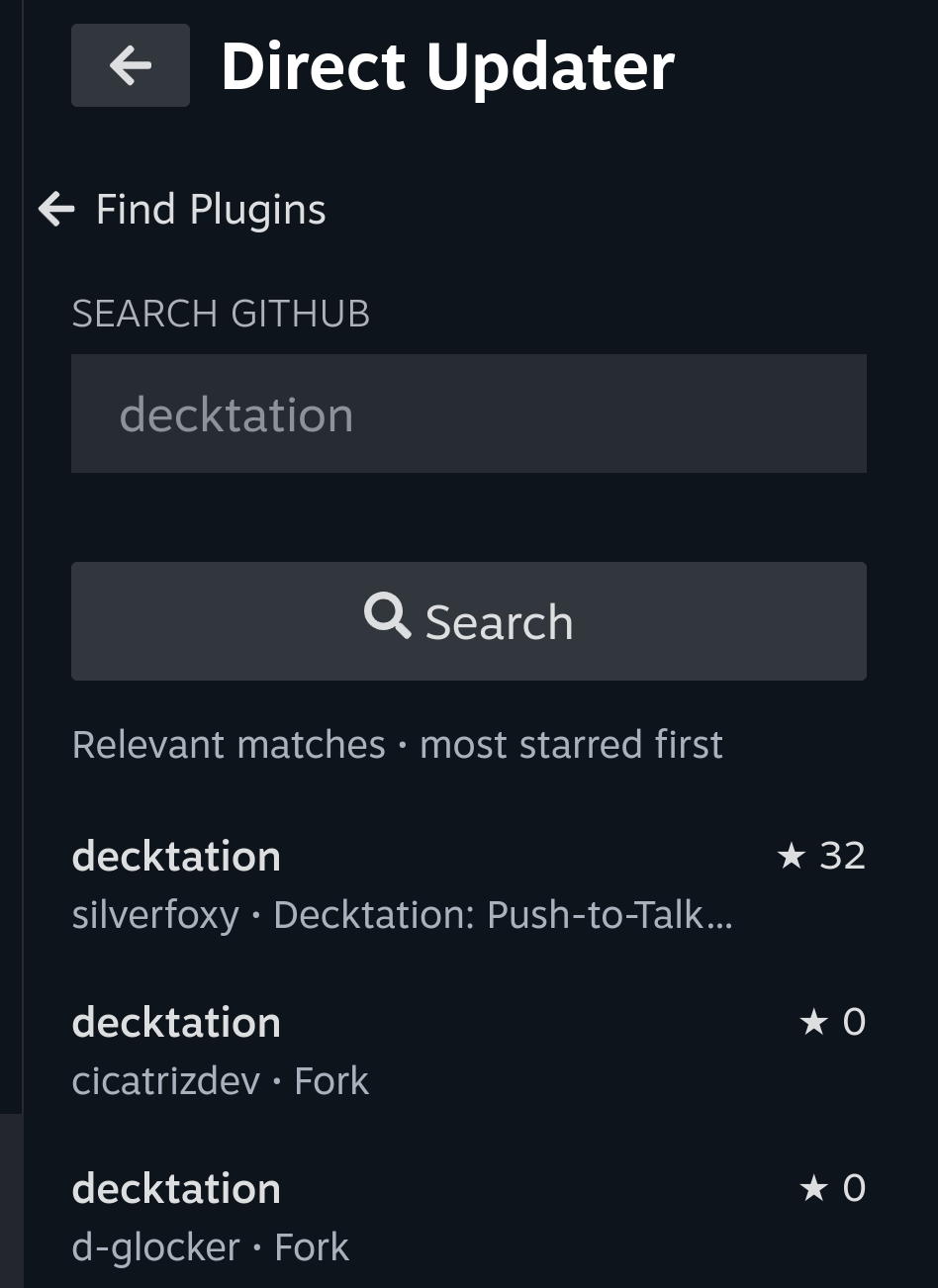
Direct Updater complements the official Decky Store and is useful for plugins whose developers publish on GitHub. GitHub releases may not have passed Store review. Install only from developers you trust. A compatible release ZIP is required.